Devora Cloud · Blog
From GitHub to deployment: builds, logs and terminal
Publish code, choose a build method and investigate deployment failures on Devora Cloud.
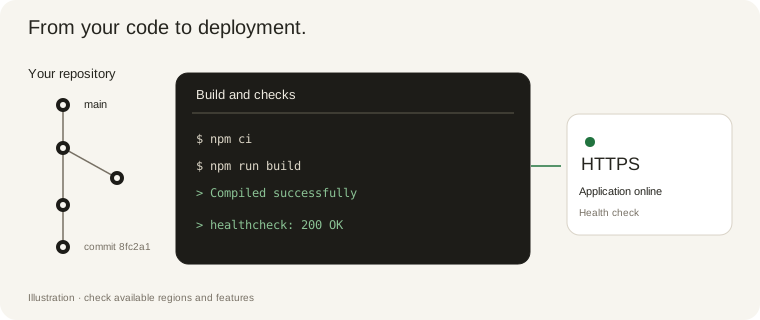
Connect GitHub and select the repository, branch and project directory. Static websites can also be uploaded as files. Review the settings before the first deployment.
Choose a builder compatible with the stack or an existing Dockerfile. Check installation, build and start commands, the internal port and environment variables in resource settings.
A failed build does not necessarily mean a server failure. Open the logs and failure analyzer. Check missing dependencies, required variables, incorrect paths and port mismatches. Review AI suggestions before changing code.
Use the terminal to investigate the app. Container changes may disappear during redeployment: commit code changes and use S3 for persistent uploads. Never expose keys or passwords in logs.
Monitor CPU, memory and network input/output. RX and TX rates describe traffic during an interval, not unique visitors. Use these metrics to decide when to increase resources.