Devora Cloud · Blog
Infrastructure you can understand.
Practical guides to deploy, store files and grow your application.
01 / DEVORA
AI hosting: your AI deploys your app with a single token
How AI hosting works on Devora Cloud: generate a token, paste it into ChatGPT, Claude, Gemini, Cursor or Copilot, and the AI creates the project, database and S3 storage and takes the site live.
Read guide →02 / DEVORA
Scalability, load balancing and failover: how your site survives traffic spikes
The difference between failover, load-balancing replicas and autoscaling on Devora Cloud, what they cost and what to change in your code so your site handles traffic spikes.
Read guide →03 / DEVORA
Private S3 for your app: keep images and files out of the database
Why images, PDFs and videos belong in S3 with only the key in the database, how Devora Cloud’s private per-project bucket works, signed URLs, included storage and extra packs.
Read guide →04 / DEVORA
Is your site slow? How to tell whether you lack CPU, memory or it is the code
Learn to read CPU and memory charts, restarts and logs (out of memory, Killed) to decide between adding replicas, upgrading your plan or fixing the code.
Read guide →05 / DEVORA
Deploy without Git: from ZIP to a live site in minutes
How to deploy a site or app on Devora Cloud by uploading just a ZIP file: supported stacks, automatic builds, PORT and 0.0.0.0, what to leave out of the ZIP and how to connect GitHub later.
Read guide →06 / DEVORA
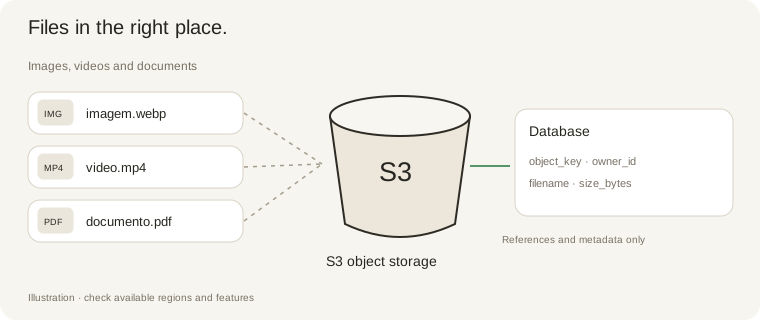
Where should your application store images?
Understand application files, databases and S3 object storage.
Read guide →07 / DEVORA
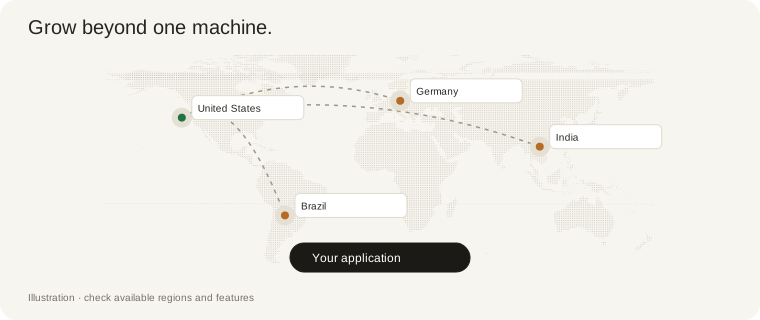
Replicas and autoscaling: what changes?
How running copies, CPU thresholds and load balancing work together.
Read guide →08 / DEVORA
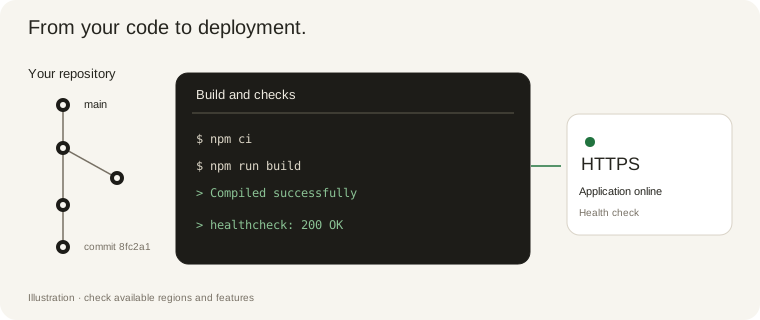
From GitHub to deployment: builds, logs and terminal
Publish code, choose a build method and investigate deployment failures on Devora Cloud.
Read guide →09 / DEVORA
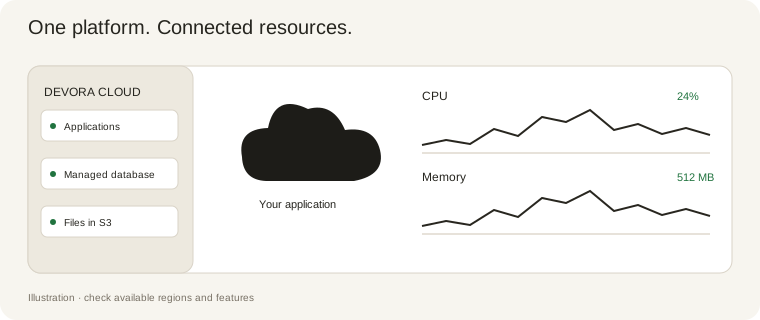
How Devora Cloud works
Applications, databases, files, domains, email and support: explore the platform services.
Read guide →10 / DEVORA
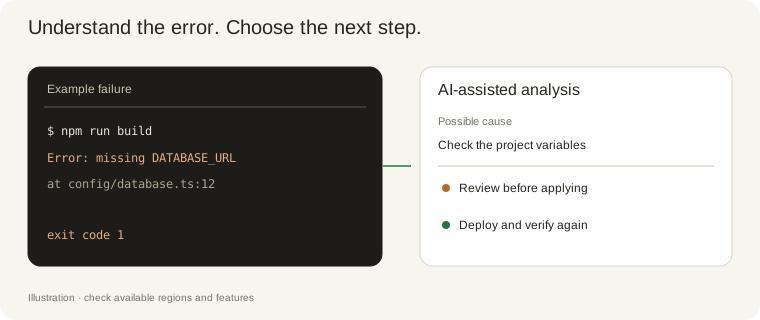
Build failed? Let AI help you understand the error
Use logs, the failure analyzer and Devora Cloud guidance to investigate deployment errors.
Read guide →